








How to Create a USDT TRC20 Wallet
If you want to accept or hold USDT with the lowest possible fees, a TRC20 wallet is where you start. TRC20 is the Tron-based version of USDT, and it has become the most popular network for Tether because transfers cost about a dollar and settle in seconds. At Bcon Global we see most USDT payments arrive on Tron for exactly this reason, so this guide shows how to create a USDT TRC20 wallet, get your Tron address, and start receiving Tether the low-cost way.
The setup takes only a few minutes and needs no technical skill. Let us cover what TRC20 means first, then the steps.
What Is TRC20?
TRC20 is a token standard on the Tron blockchain, the same way ERC20 is a standard on Ethereum. USDT is issued on several blockchains, and “USDT TRC20” simply means Tether running on Tron. A TRC20 wallet is any wallet that supports the Tron network and can hold TRC20 tokens like USDT.
The important point is that the network must match on both ends. USDT sent on Tron (TRC20) must go to a Tron address, and USDT on Ethereum (ERC20) must go to an Ethereum address. Mixing them can lose funds, so a TRC20 wallet is specifically for the Tron version.
Why Use TRC20 for USDT?
The main reason is cost. Sending USDT on Ethereum can cost several dollars in gas when the network is busy, while the same transfer on Tron costs roughly a dollar and confirms almost instantly. For anyone moving USDT regularly – merchants especially – that difference adds up fast.
As the chart shows, TRC20 sits far below ERC20 on fees. That is why exchanges, merchants and everyday users default to Tron for USDT. It combines low cost, high speed and broad support, which makes it ideal for payments.
How to Create a USDT TRC20 Wallet, Step by Step
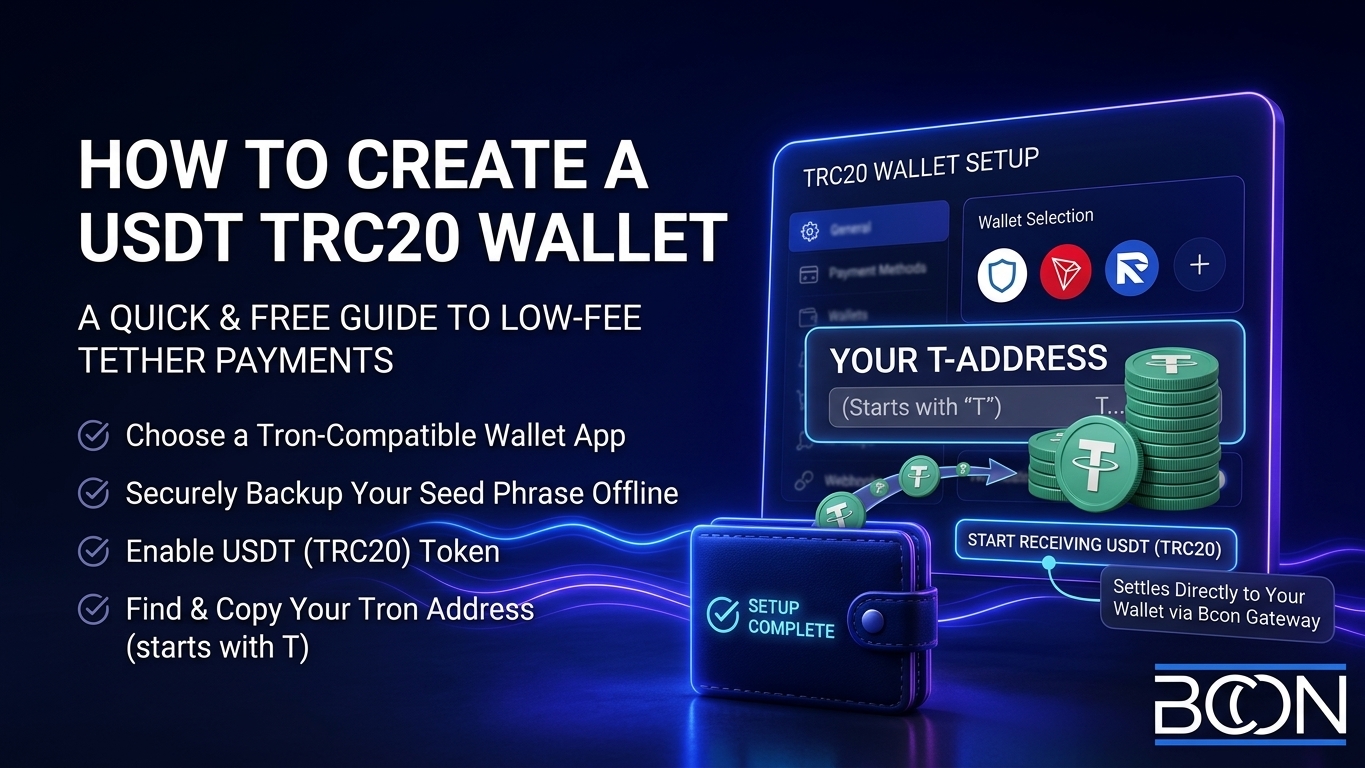
Creating a TRC20 wallet is quick and free. Here is the process using a standard non-custodial wallet app:
- Choose a non-custodial wallet that supports Tron (for example, Trust Wallet or a Tron-compatible app).
- Install and open it, then create a new wallet.
- Back up your seed phrase offline – write it down and store it safely. This is your only recovery.
- Add the Tron (TRX) network and enable USDT (TRC20) if it is not shown by default.
- Open USDT and tap “Receive” to display your TRC20 address (it starts with `T`).
- Copy the address or QR code – that is where senders will pay you.
That is the whole process. Your wallet can now receive USDT on Tron. Keep a small amount of TRX in the wallet too, since Tron uses it (or bandwidth/energy) to process transactions.
Getting and Sharing Your Tron Address
Your TRC20 address is a 34-character string starting with `T`. It is safe to share for receiving payments – it only lets people send you USDT, never withdraw. Always copy and paste it or share the QR code rather than typing it, and double-check the first and last characters.
When someone sends you USDT, make sure they select the Tron (TRC20) network. If they send on the wrong network, the funds may not arrive. A payment request from a gateway removes this risk by fixing the network automatically.
TRC20 vs ERC20: Which to Use
Both are valid USDT networks, so the choice comes down to cost, speed and where your senders are. This comparison makes it clear:
| Factor | USDT TRC20 (Tron) | USDT ERC20 (Ethereum) |
| Typical fee | ~$1 | $1-5 (higher at peak) |
| Speed | Seconds | 1-5 minutes |
| Best for | Payments, frequent transfers | Ethereum/DeFi ecosystem |
| Popularity for USDT | Very high | High |
For most payment use cases, TRC20 wins on cost and speed. You can learn more in our guide on USDT networks, which compares all the options in detail.
Security Best Practices
Because a non-custodial wallet puts you in control, security is your responsibility. Follow these essentials:
- Back up your seed phrase offline and never store it as a photo or in cloud notes.
- Never share your private key or seed phrase with anyone or any site.
- Download wallets only from official sources to avoid fakes.
- Verify the address before every transaction.
- Use a hardware wallet for larger balances.
Receiving USDT Payments the Easy Way
Creating a wallet is step one; accepting payments smoothly is step two. Instead of sharing a raw address and hoping customers pick the right network, a payment gateway generates a proper invoice on Tron and confirms the payment for you.
The simplest way to accept USDT is to let customers pay a request that already specifies TRC20 – no wrong-network mistakes, and the funds land straight in your wallet.
That is how Bcon Global works. You link your TRC20 wallet address, and each customer payment settles directly to it – non-custodial, no KYC, flat 1% fee. Bcon only needs your public address to watch for payments, so your USDT stays fully under your control while the gateway handles invoices and confirmations.
Frequently Asked Questions
How do I create a USDT TRC20 wallet?
Install a non-custodial wallet that supports Tron, create the wallet, back up your seed phrase, enable USDT (TRC20), and tap “Receive” to get your Tron address. It takes a few minutes.
How do I get a TRC20 address?
Open USDT on Tron in your wallet and select “Receive.” Your TRC20 address starts with the letter `T` and is 34 characters long.
What is the best TRC20 wallet?
Any reputable non-custodial wallet that supports Tron works. Choose one that lets you control your keys and back up your seed phrase.
Is TRC20 cheaper than ERC20 for USDT?
Yes. TRC20 (Tron) transfers usually cost around a dollar and confirm in seconds, while ERC20 (Ethereum) can cost several dollars at busy times. But it also depends on the wallet you use.
Do I need TRX to use a TRC20 wallet?
A small amount of TRX helps cover Tron’s transaction resources. Keep a little in the wallet so transfers process smoothly.
A USDT TRC20 wallet gives you the cheapest, fastest way to hold and receive Tether. Create a non-custodial wallet, secure your seed phrase, get your Tron address, and you are ready to accept USDT on the network most senders already use.
To turn that wallet into a payment system, Bcon Global lets you accept USDT on Tron directly to your wallet – non-custodial, no KYC, 1% fee, with no wrong-network mistakes.