
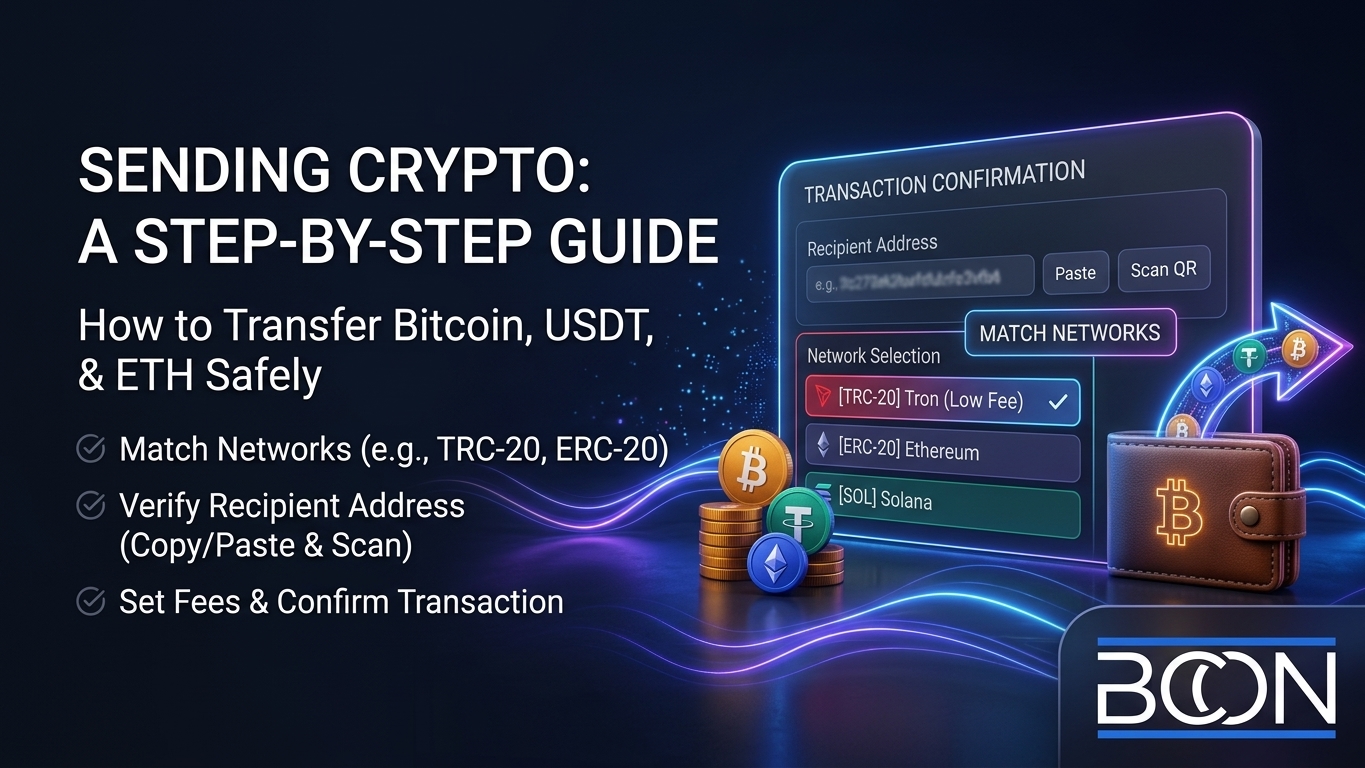








How to Send Crypto to Another Wallet: Step-by-Step
Sending crypto is quick and safe once you understand a few basics, but the details matter – a wrong network or a mistyped address can delay or lose your funds. At Bcon Global we help businesses move and receive crypto every day, so this guide shows exactly how to send Bitcoin, USDT, Ethereum and other coins to another wallet, how to pick the right network, what fees to expect, and how to avoid the common mistakes.
The process is the same across most wallets, so once you learn it you can send any coin with confidence. Let us walk through it.
Before You Send: Two Things to Check
Two details prevent almost every failed transfer, so confirm them first:
- The network must match. The same coin can live on several blockchains. USDT exists on Ethereum, Tron and others, so the sending and receiving wallets must use the same network. Sending TRC-20 USDT to an ERC-20 address can lose the funds.
- The address must be exact. Crypto transfers are irreversible. Always copy and paste the recipient’s address or scan its QR code, then verify the first and last few characters.
Get these two right and the rest is simple. Never rely on typing an address by hand.
How to Send Crypto, Step by Step
Here is the standard sequence in any wallet, whether you are sending Bitcoin, ETH or USDT:
- Open your wallet and select the coin you want to send.
- Tap “Send” and paste the recipient’s wallet address (or scan the QR code).
- Choose the network and confirm it matches the recipient’s.
- Enter the amount you want to send.
- Set the fee – most wallets suggest one automatically; higher fees confirm faster.
- Review everything – address, network, amount, fee – then confirm.
Once confirmed, the transaction is broadcast to the network. You will get a transaction ID (hash) you can track on a blockchain explorer until it is confirmed.
Choosing the Right Network
The network you pick affects both cost and speed, so it is worth a moment’s thought. For USDT and other multi-chain tokens, Tron (TRC-20) is popular for low fees, Ethereum (ERC-20) is widely supported, and Solana is fast and cheap. For Bitcoin there is one main network, though fees rise when it is busy.
The rule is simple: use the network the recipient supports. If someone gives you an ERC-20 address, send on Ethereum; if they give you a Tron address, send on Tron. A payment request from a merchant will always specify the network, which removes the guesswork.
Transfer Fees and How Long It Takes
Every transfer pays a network fee to the blockchain – not to the wallet – and the amount depends on the network and how busy it is. The chart below shows typical confirmation times by network.
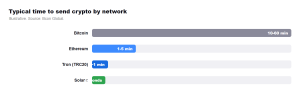
As the chart shows, newer networks confirm in seconds, while Bitcoin can take from ten minutes to an hour depending on congestion. Fees follow a similar pattern: sending on Tron or Solana costs cents, while Ethereum mainnet can cost a few dollars at peak times. You choose the trade-off between speed, cost and the recipient’s supported network.
| Network | Typical fee | Typical time |
| Bitcoin | $1-3 | 10-60 minutes |
| Ethereum | $1-5 | 1-5 minutes |
| Tron (TRC-20) | ~$1 | ~1 minute |
| Solana | under $0.01 | seconds |
Common Mistakes to Avoid
A handful of errors cause nearly all lost or delayed transfers. Steer clear of these:
- Wrong network. The number-one cause of lost funds. Match networks every time.
- Mistyped or old address. Always copy-paste or scan; verify the ends.
- Fee set too low. In busy periods a tiny fee can leave a transaction stuck for hours.
- Sending unsupported tokens. Some addresses accept only certain tokens on a given chain.
- No test for large amounts. For a big first transfer, send a small test amount first.
Sending vs Receiving: The Business Angle
Knowing how to send is half the picture; the other half is receiving payments reliably. When customers send you crypto, you want the transaction detected, confirmed and recorded automatically rather than checking a wallet by hand.
The smoothest payments happen when the sender simply scans a request and the merchant’s system confirms it automatically – no manual checking, no mismatched networks.
That is what a payment gateway provides. With Bcon Global, you generate a payment request that already specifies the coin and network, so the customer cannot pick the wrong one. The payment settles directly to your own wallet – non-custodial, no KYC, flat 1% fee – and Bcon confirms it and notifies your store automatically.
Frequently Asked Questions
How do I send crypto to another wallet?
Open your wallet, tap “Send,” paste the recipient’s address, choose the matching network, enter the amount, set the fee and confirm. Always copy-paste the address rather than typing it.
How long does a crypto transfer take?
It depends on the network. Solana and Tron confirm in seconds to a minute, Ethereum in a few minutes, and Bitcoin in about ten to sixty minutes.
What are crypto transfer fees?
A network fee paid to the blockchain, not the wallet. It ranges from cents on Tron or Solana to a few dollars on Ethereum at busy times.
What happens if I send to the wrong network?
Funds can be delayed or lost, and recovery is often impossible. Always confirm the sending and receiving networks match before you send.
How do I send USDT?
Select USDT in your wallet, choose the network the recipient uses (such as TRC-20 or ERC-20), paste their address, and confirm. Match the network exactly.
Sending crypto is fast and secure when you match the network, copy the exact address, and set a sensible fee. Learn the six-step flow once and you can send any coin to any wallet with confidence.
When it comes to receiving payments, Bcon Global removes the guesswork entirely – customers pay a request that fixes the coin and network, and the funds settle straight to your own wallet, non-custodial and low-cost.